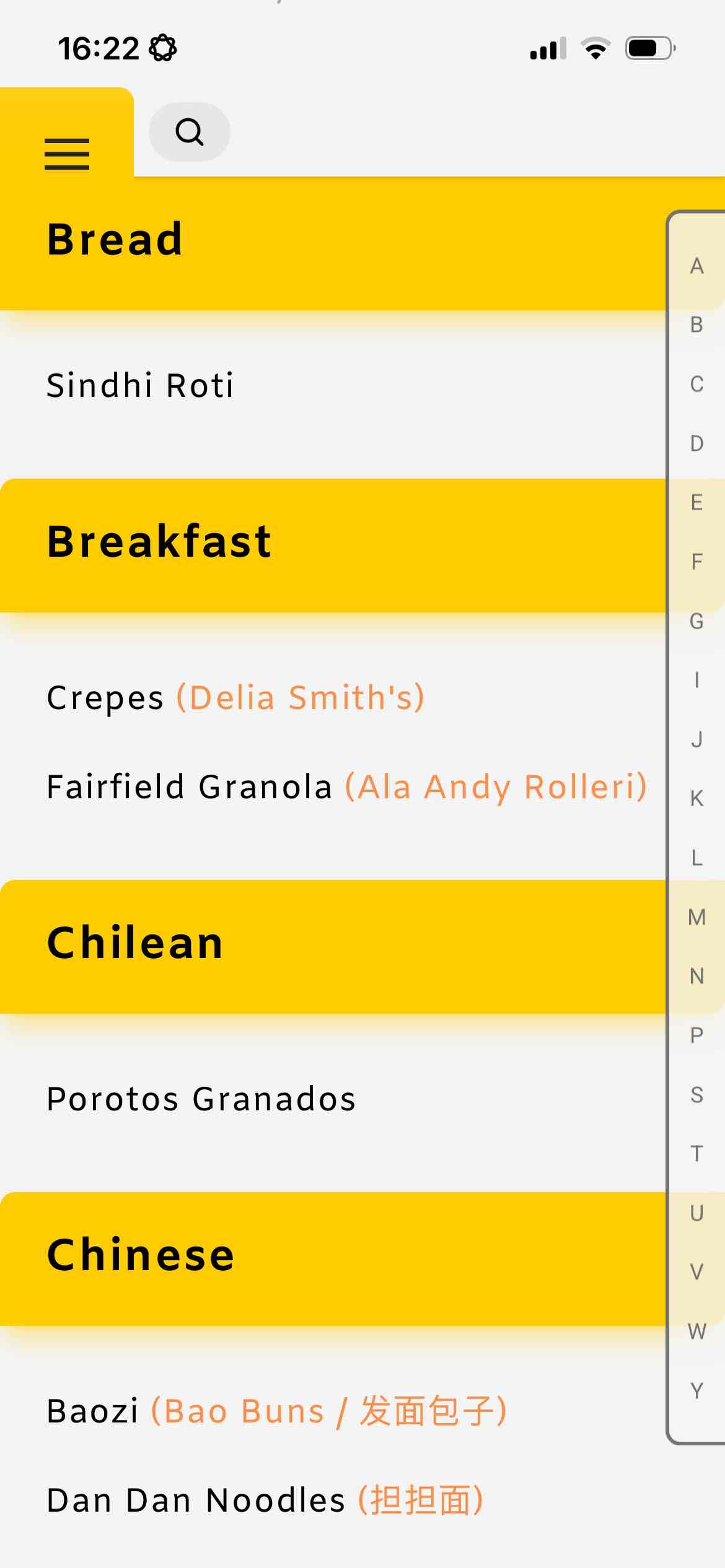
Swipe and search like a maniac. Categories are front and centre to keep up with the most demented of swiping. And once you realize you don't need to stick to traditional categories and can use groups like 'tonight', 'favorites', 'test', you can start to really make sense of the growing list. Make your own features instead of waiting for the app to bring them.
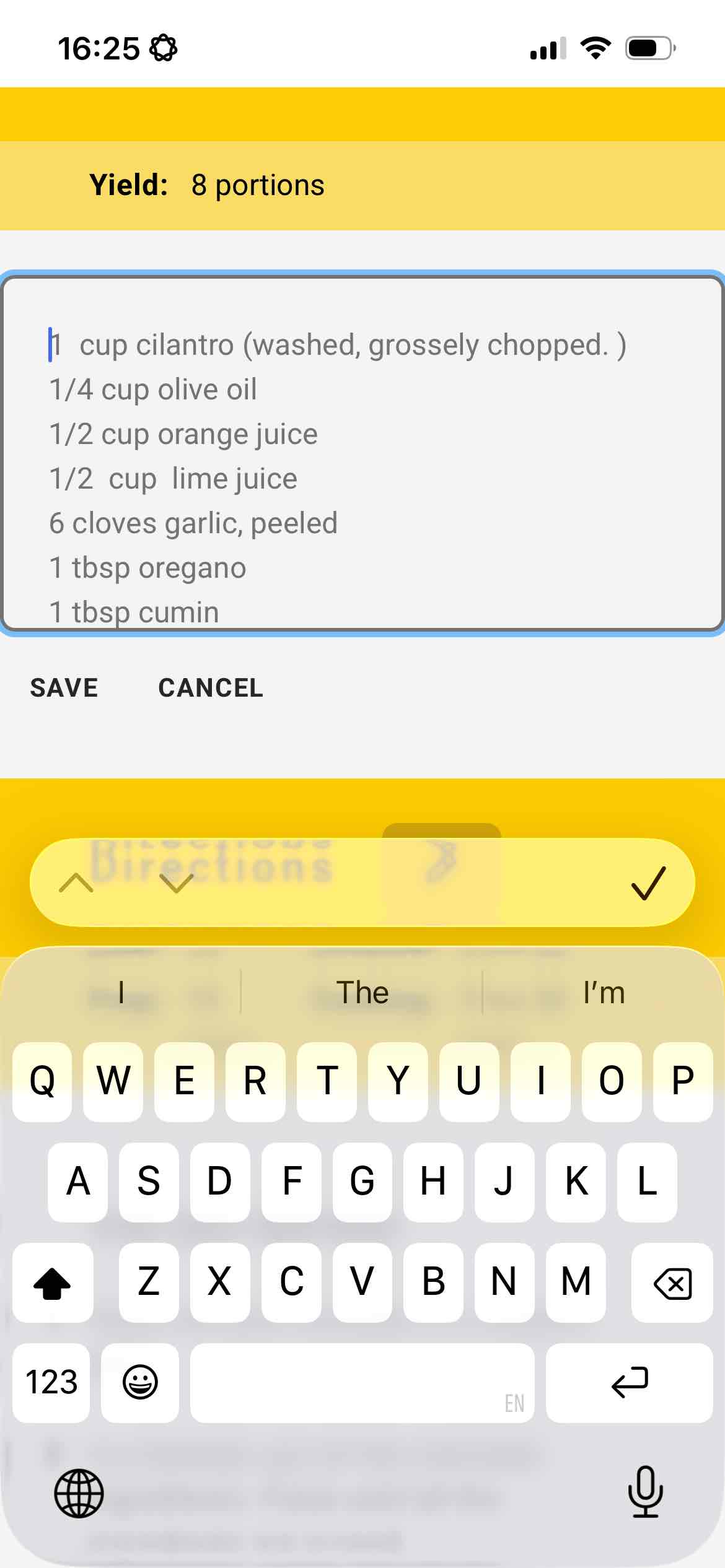
Write a recipe just like you would scribble it on a page or in notes. No tiny forms for each line, no formatting to point out ingredients. If you write 100g or 100 grams the app will know what that is. Or let's say you paste in a recipe written as 200 grams but you want to use ounces? The unit conversion already picked this up.
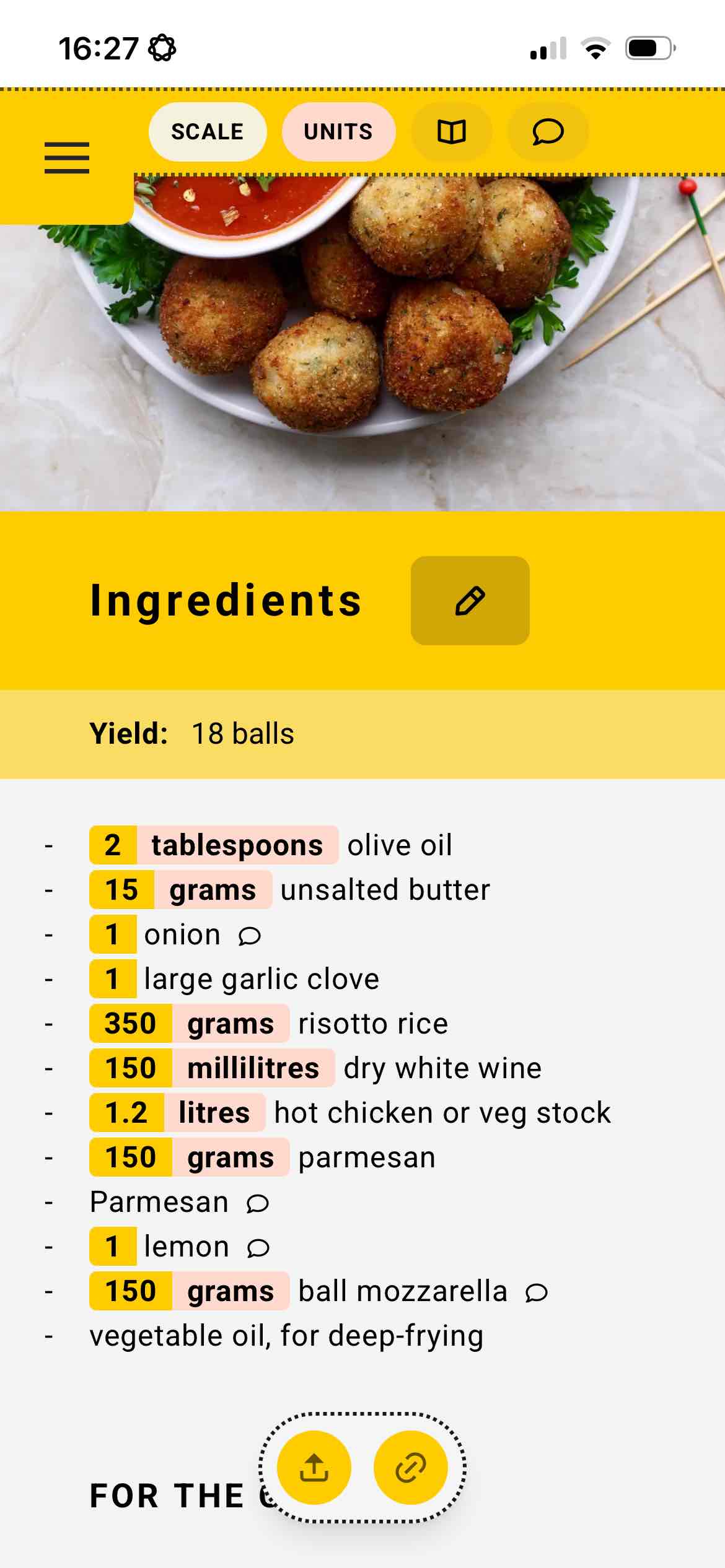
Having 5 seconds to find where you were in a recipe is a luxury in some kitchens. Some Fine Food is designed to realistically work in the chaos. Your current step is pinned and highlighted. Ingredients are crossed out and fade into the background. Meaning it takes you all of half a second to find where you are and continue. Less stress, more help.
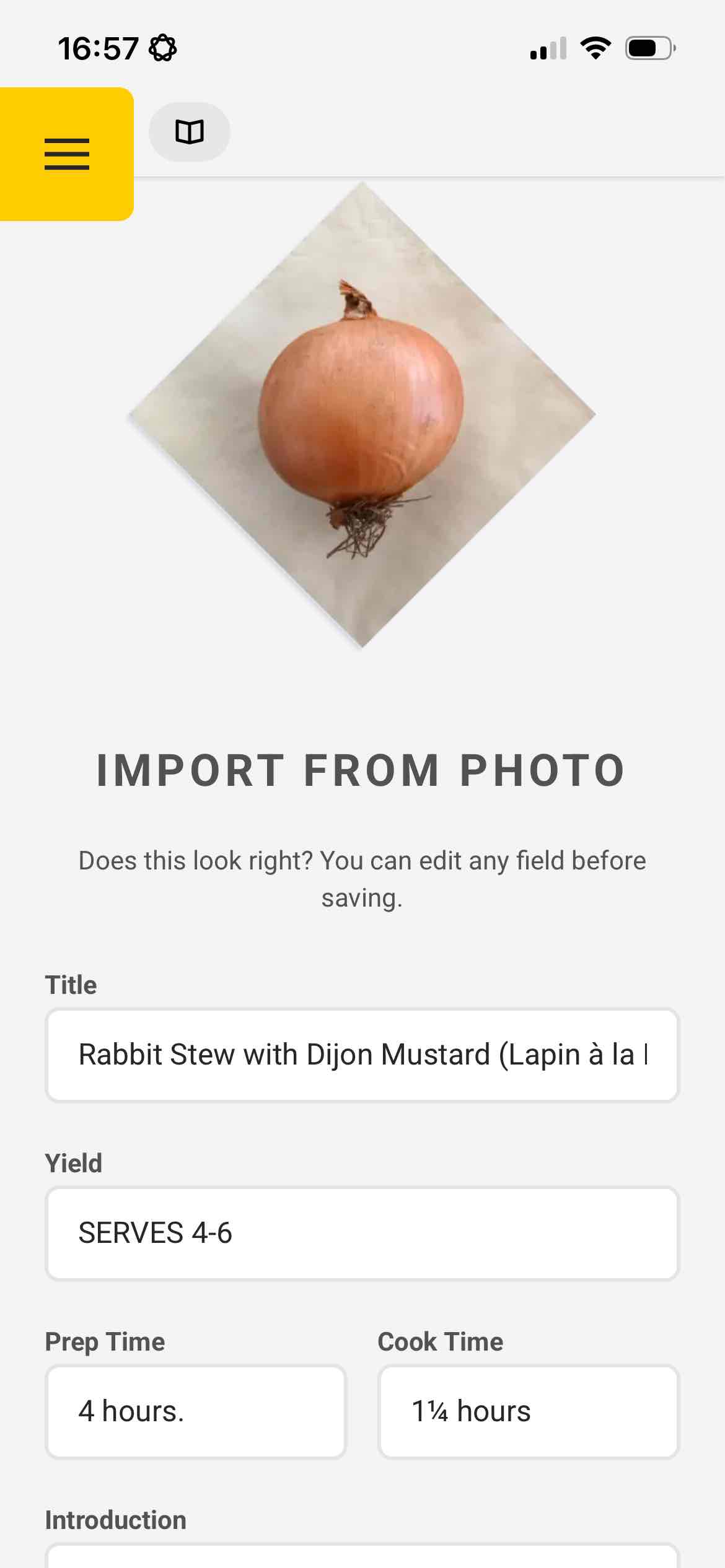
Save yourself the trouble of copying and pasting from the link you've opened a thousand times, or writing out a cookbook page. Some Fine Food will import them for you. The experience from cookbooks and family heirlooms is irreplaceable. But if you would like to be able to travel with your favourite pages, or wished you could scale them or convert ingredients - you can have the original and the pocket digial version.
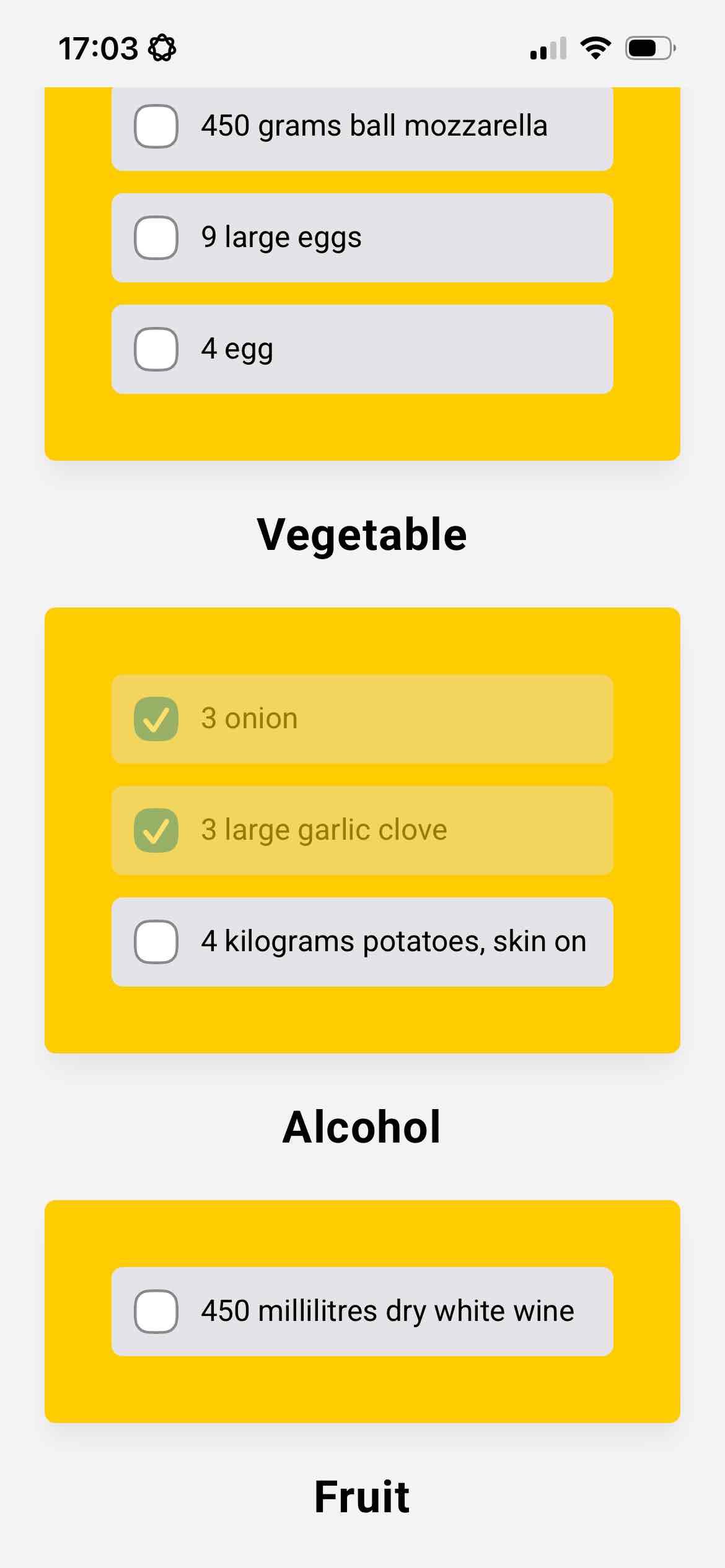
Some Fine Food grocery lists don't need further tweaking. They understand the amount needed, they recognize that three descriptions of onions are all the same vegetable but lists them as the original wording so you can be confident you're checking off each recipe's needs. Everything is grouped into aisle sections. I cannot understate how much of a timesaver this is. And you have a checklist that you can start at home and pick up in the store.
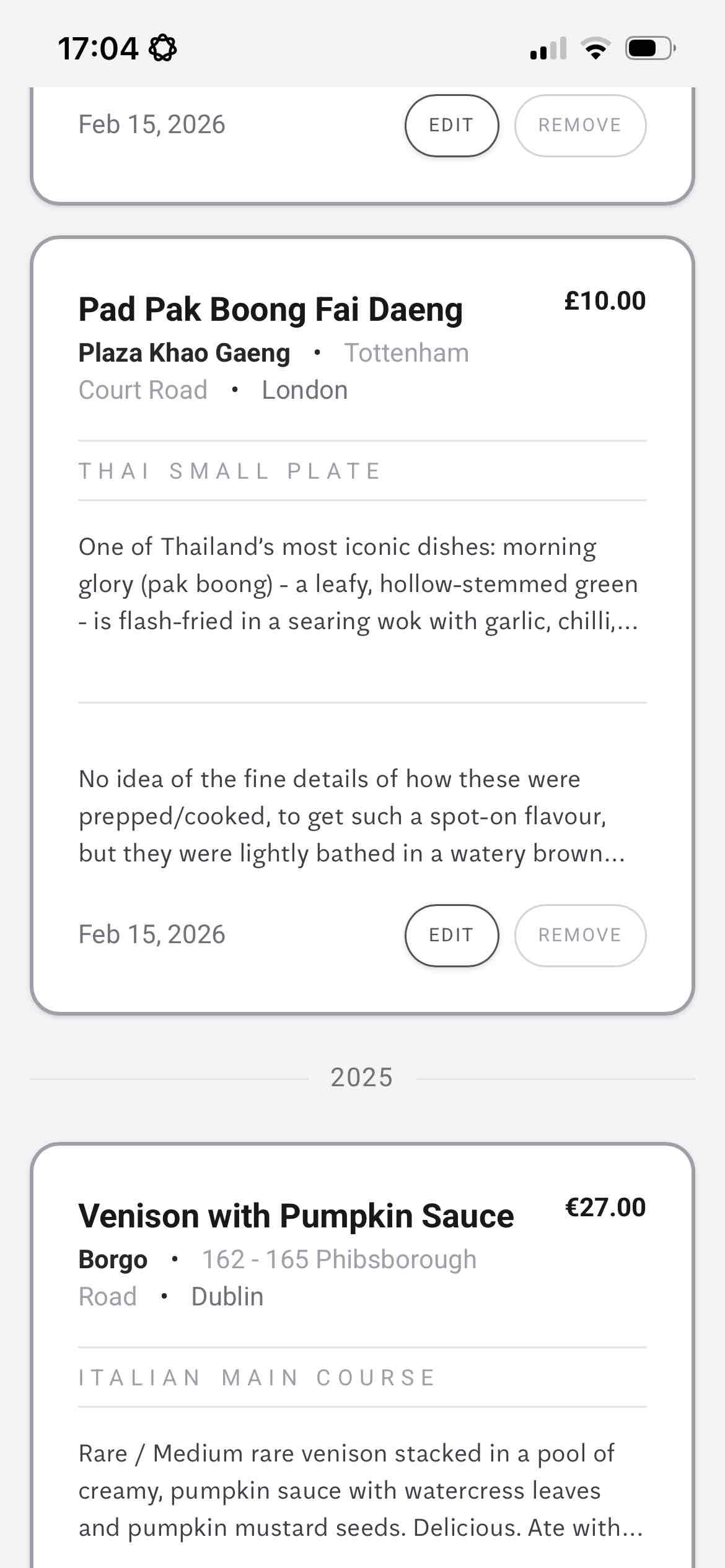
Maybe it's something you want to remember in detail, or something you want to recreate at home. Either way, now you have a personal diary of what, where and when.
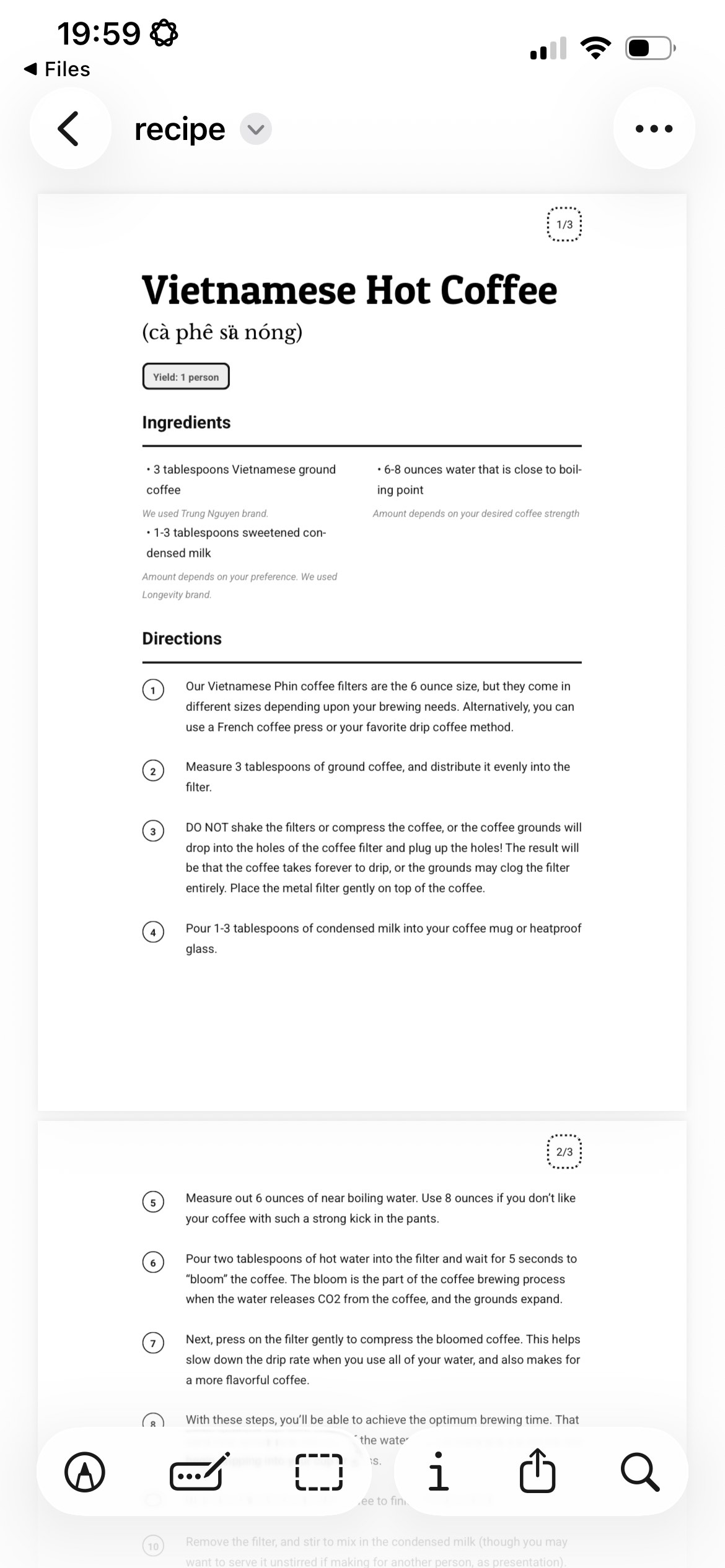
Some Fine Food is a web app that works on nearly any modern device. Use it in your browser or save it to your homescreen for an app-like experience. Your recipes follow you from laptop to phone to tablet—seamlessly.
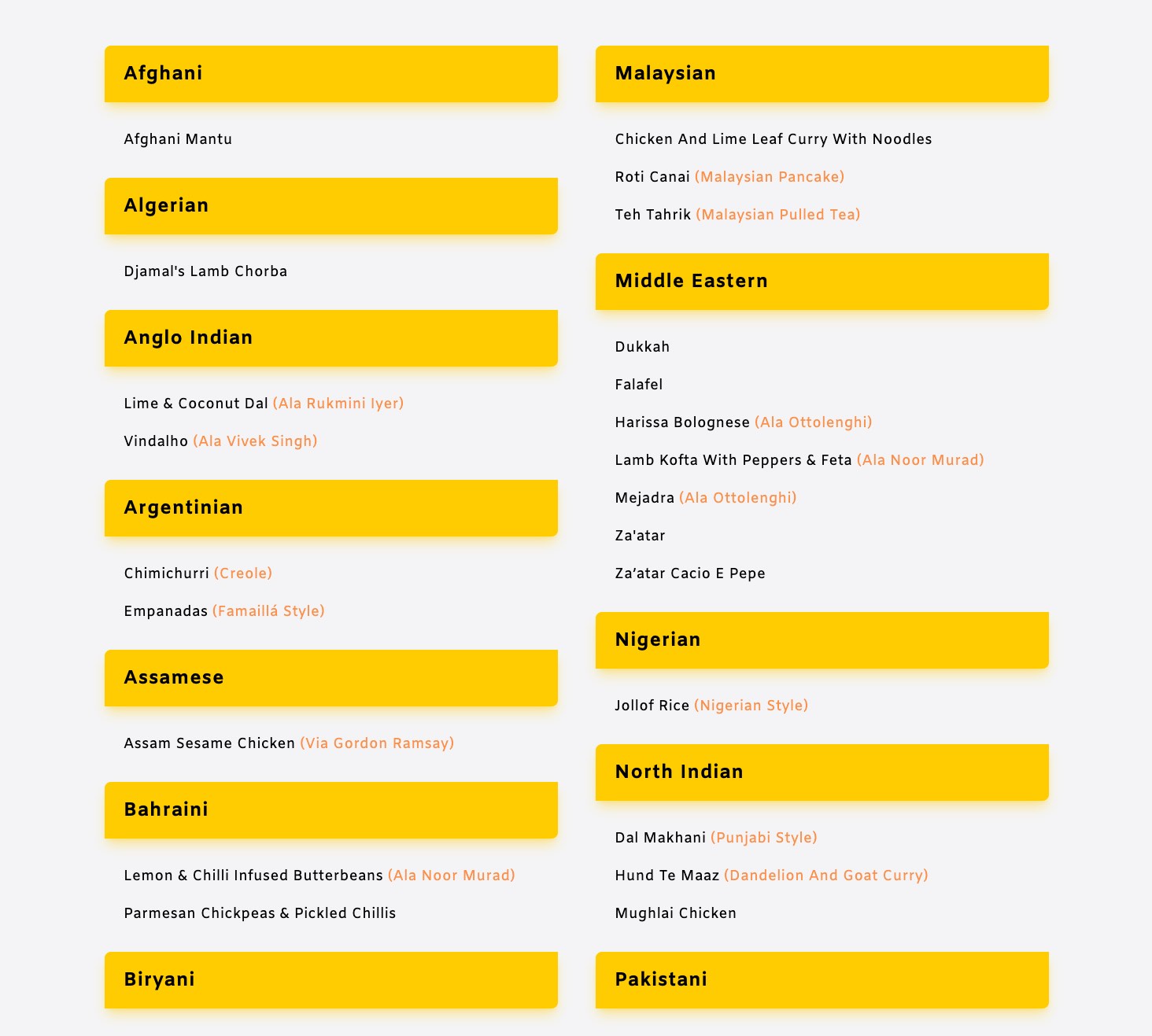
It lives on the web. It installs as a pwa to iPhone and Android phones. You can start on a laptop and pick up from where you left off on your phone. It has been designed to be incredibly efficient on phones at getting to what you need, fast, when under pressure.
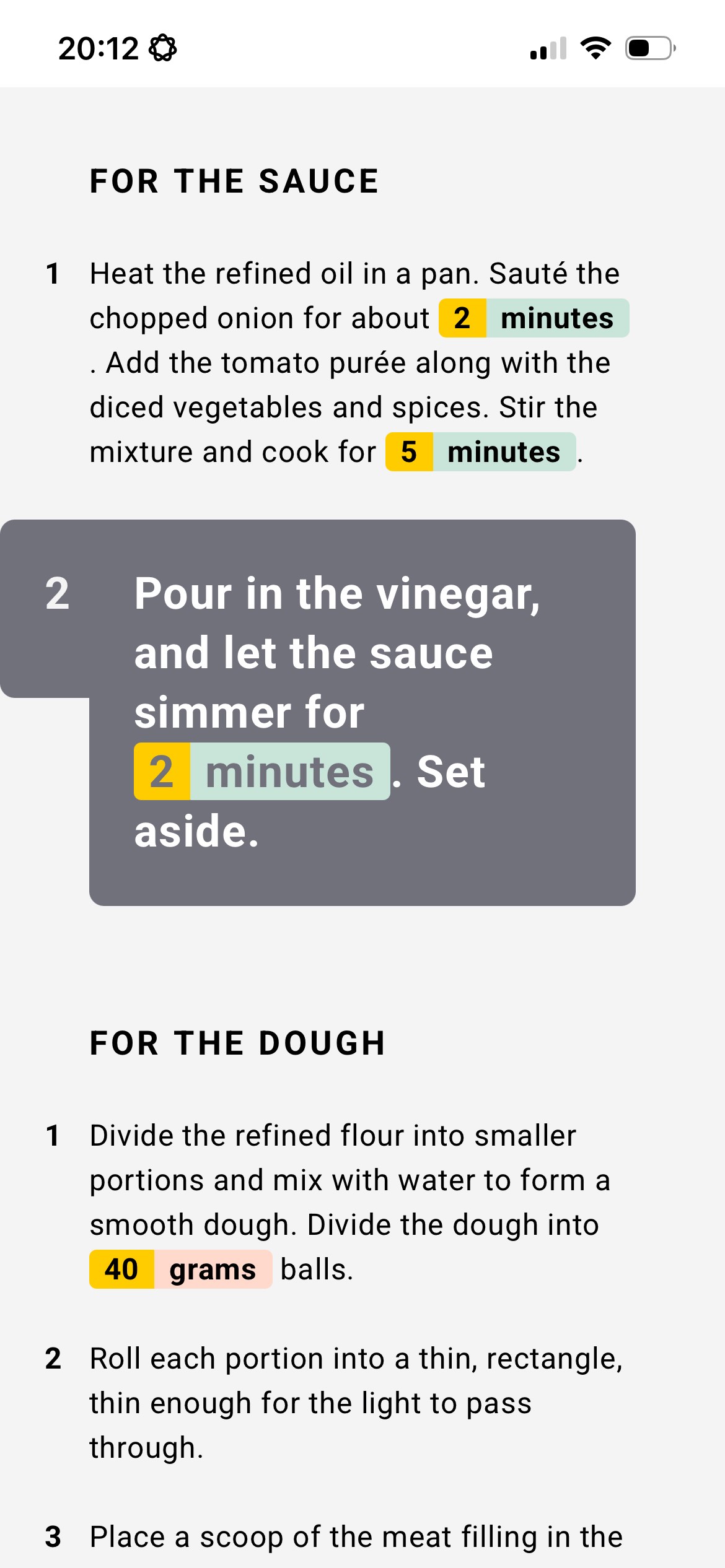
Lists of options and tasks can be overwhelming, especially for many with ADHD. Some Fine Food helps you stay on track with focus-friendly features. Hide ingredients you've found, pin steps you're working on, and customize timer alerts to get your attention in ways that work for you.